
Chaussures
Sneakers, boots and other footwear: compare the toe shape, sole and fastening in the full product gallery. Check available QC before opening the iTaoBuy listing.
Find it. Take a closer look.
Explore the iTaoBuy Spreadsheet by category, name or photo. Compare clothing, shoes and accessories with seller pictures, USD prices and available QC references.
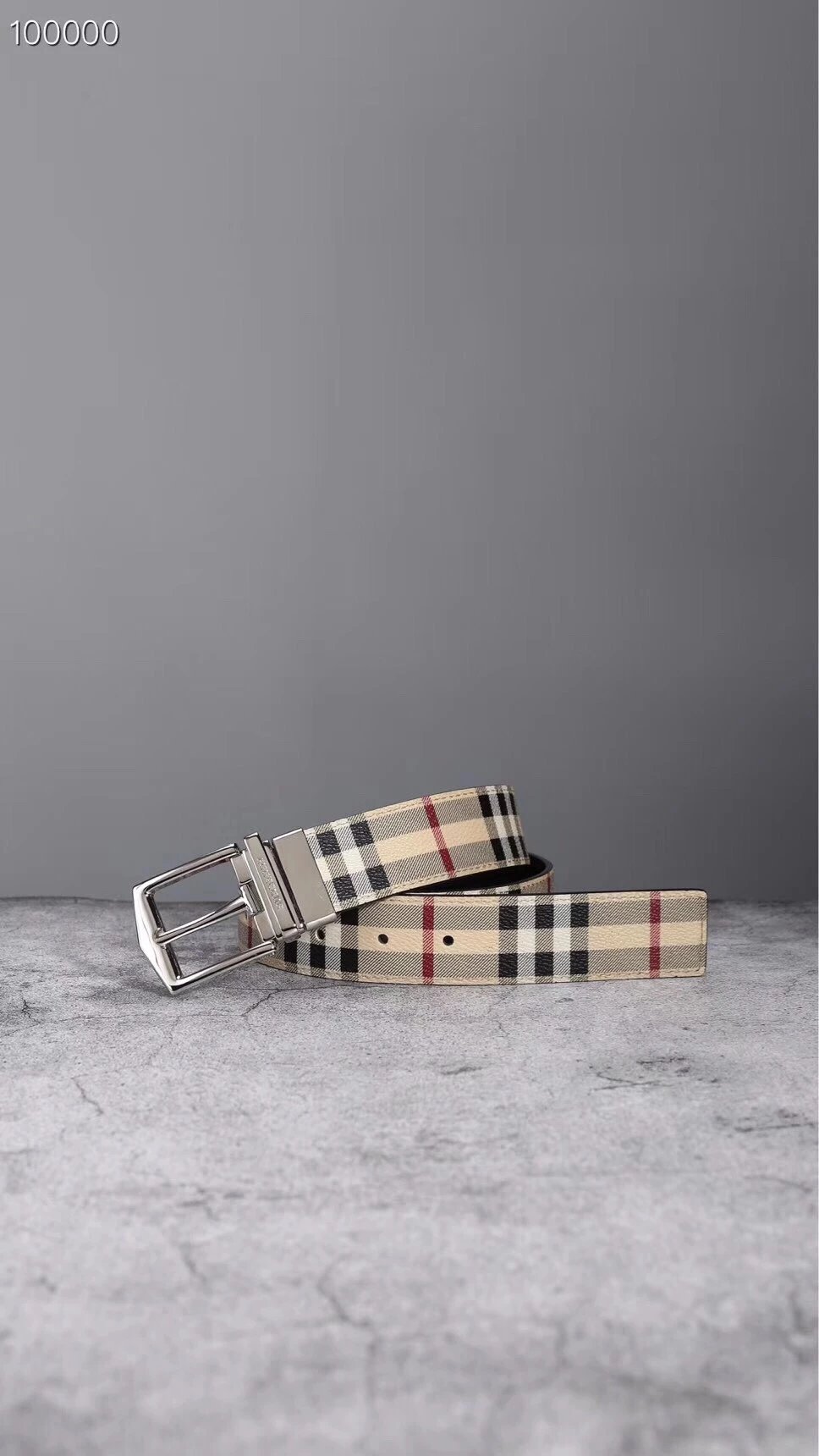
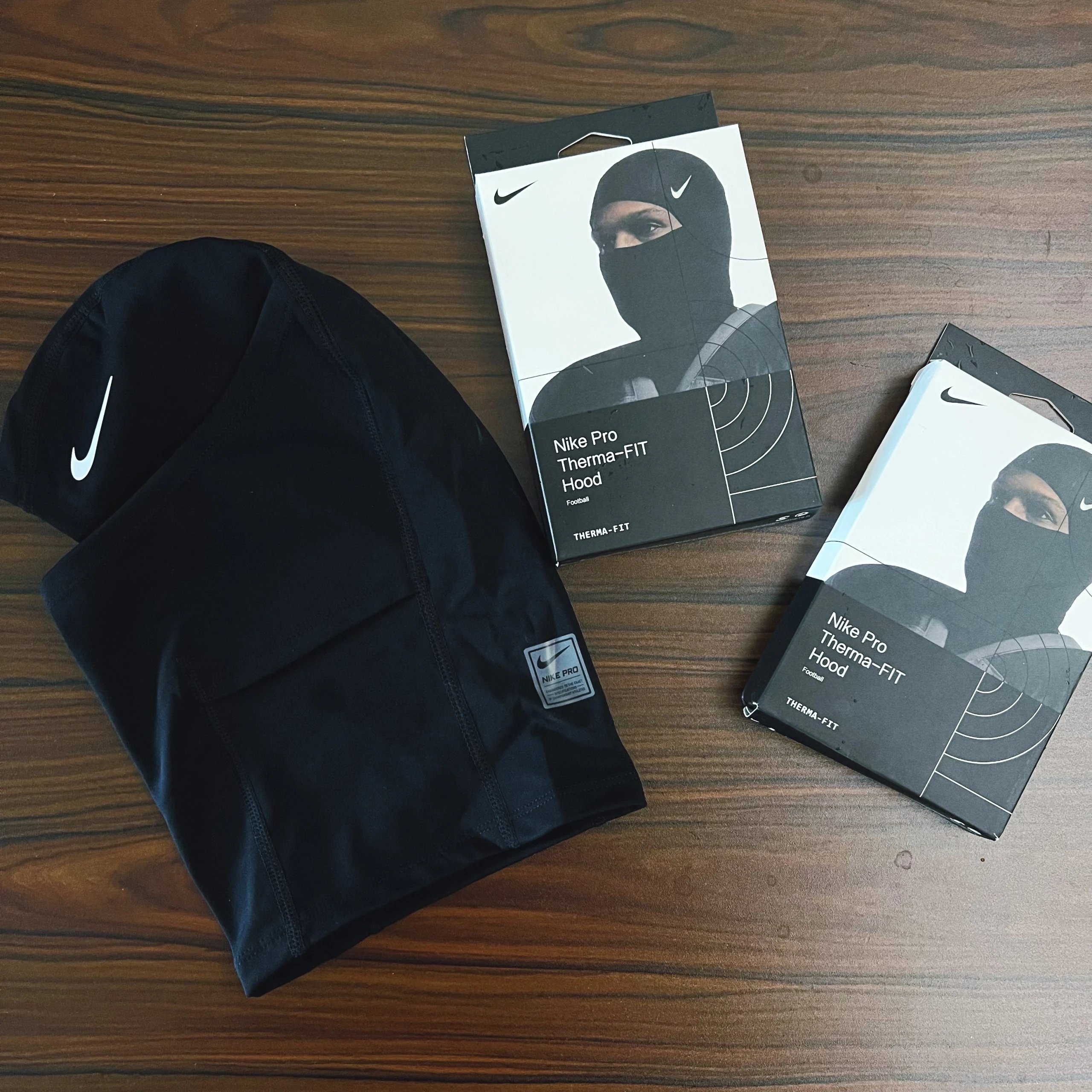
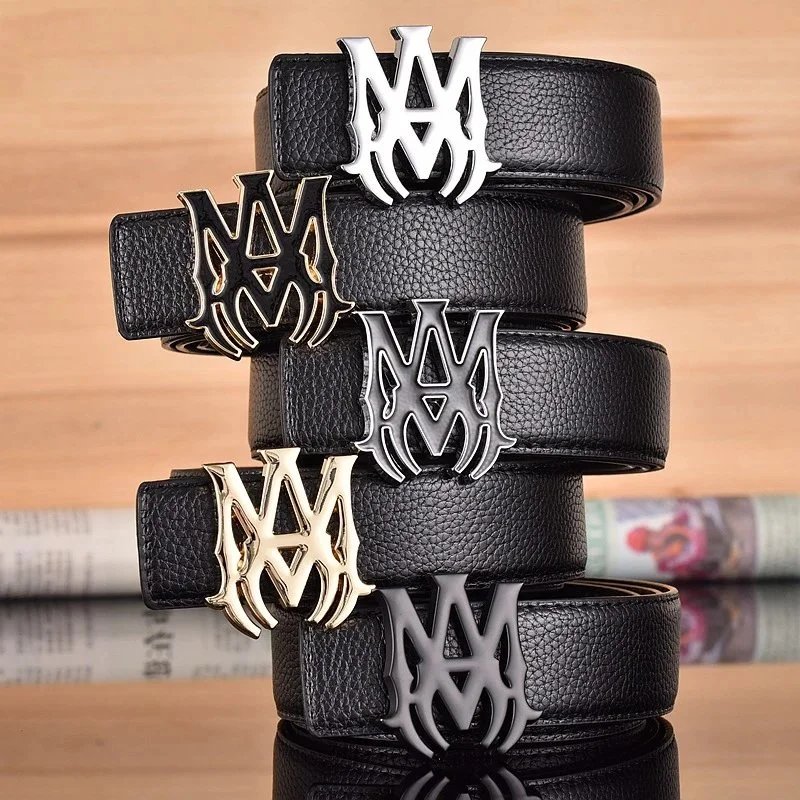
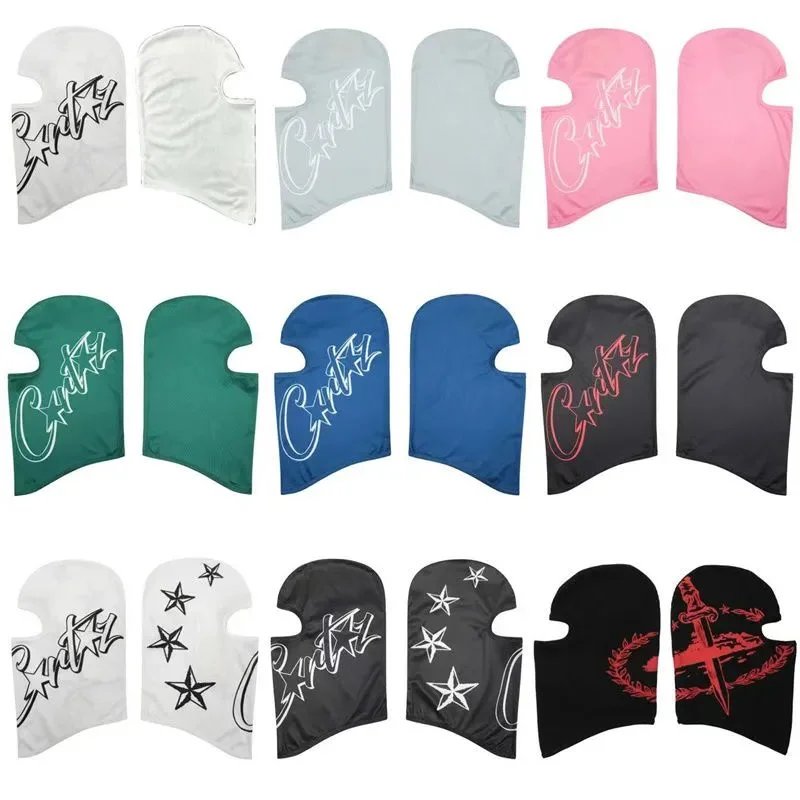
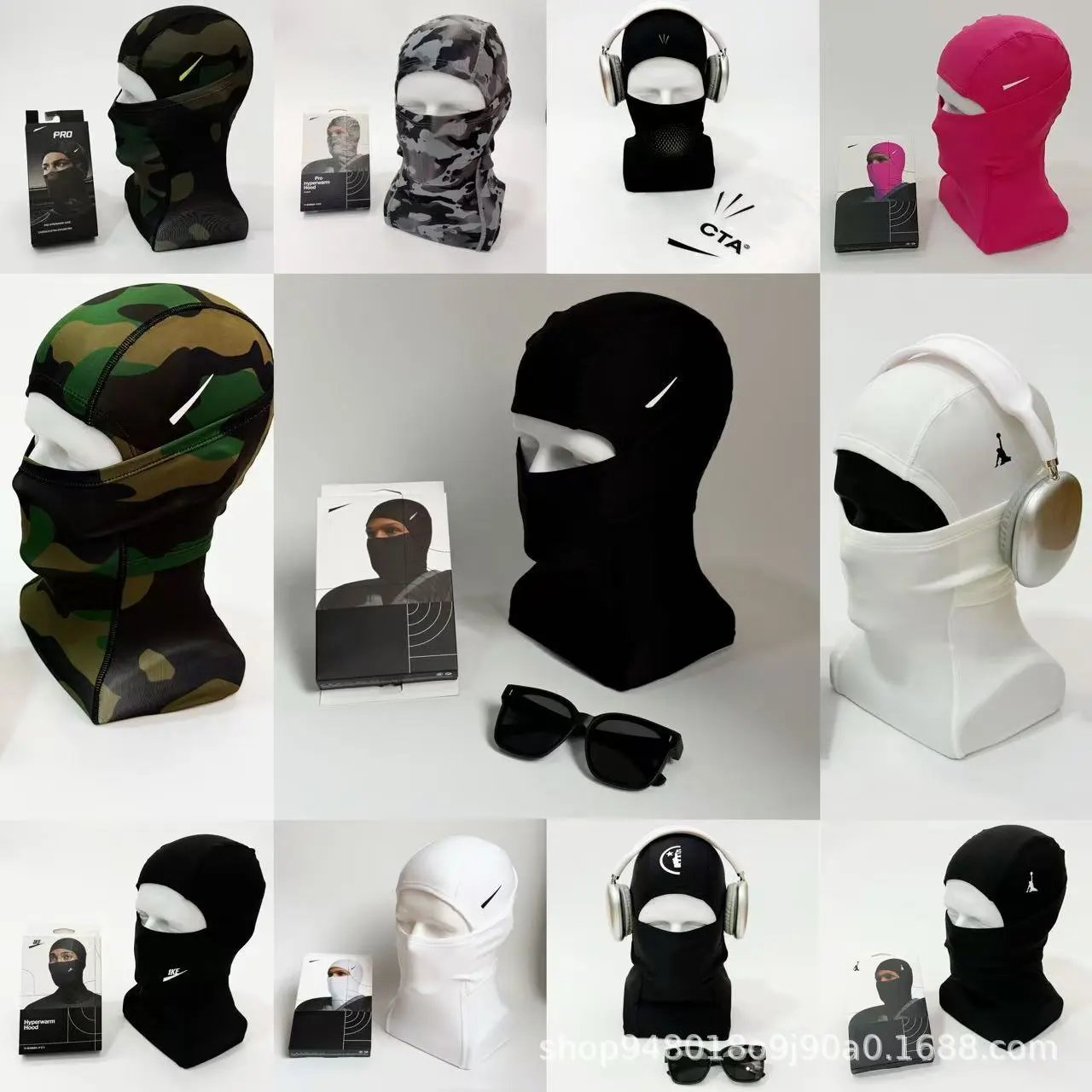
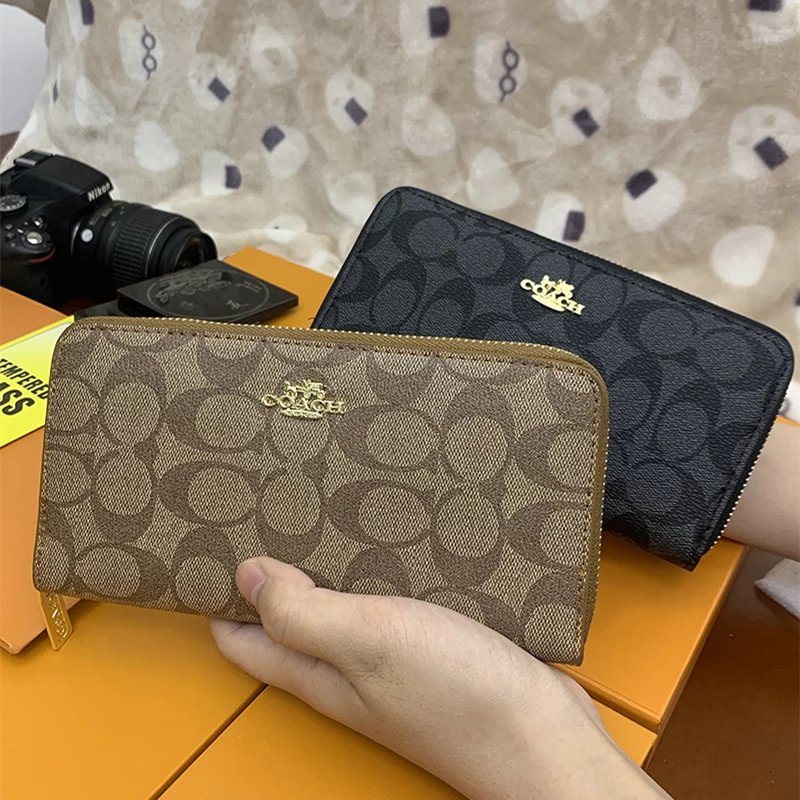
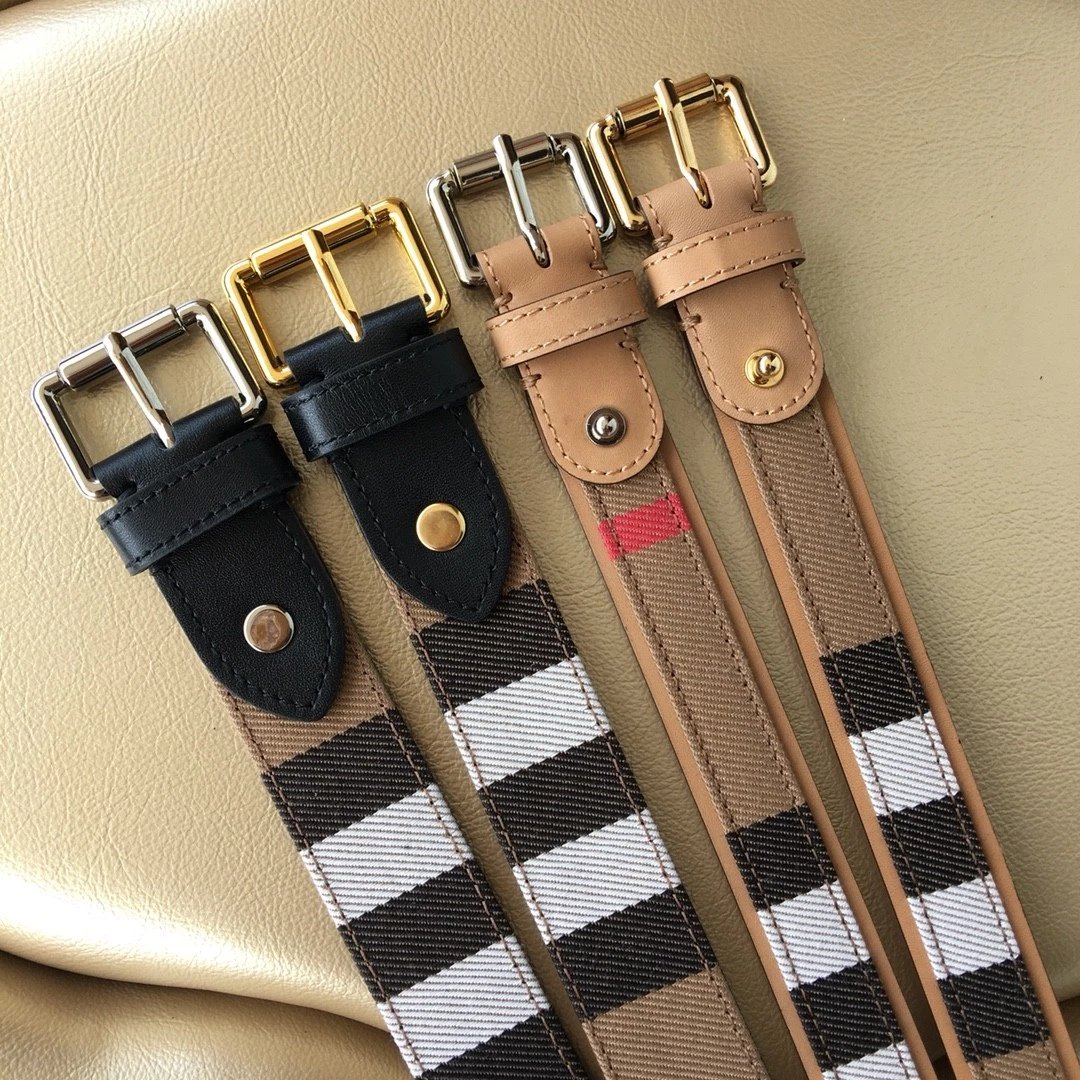
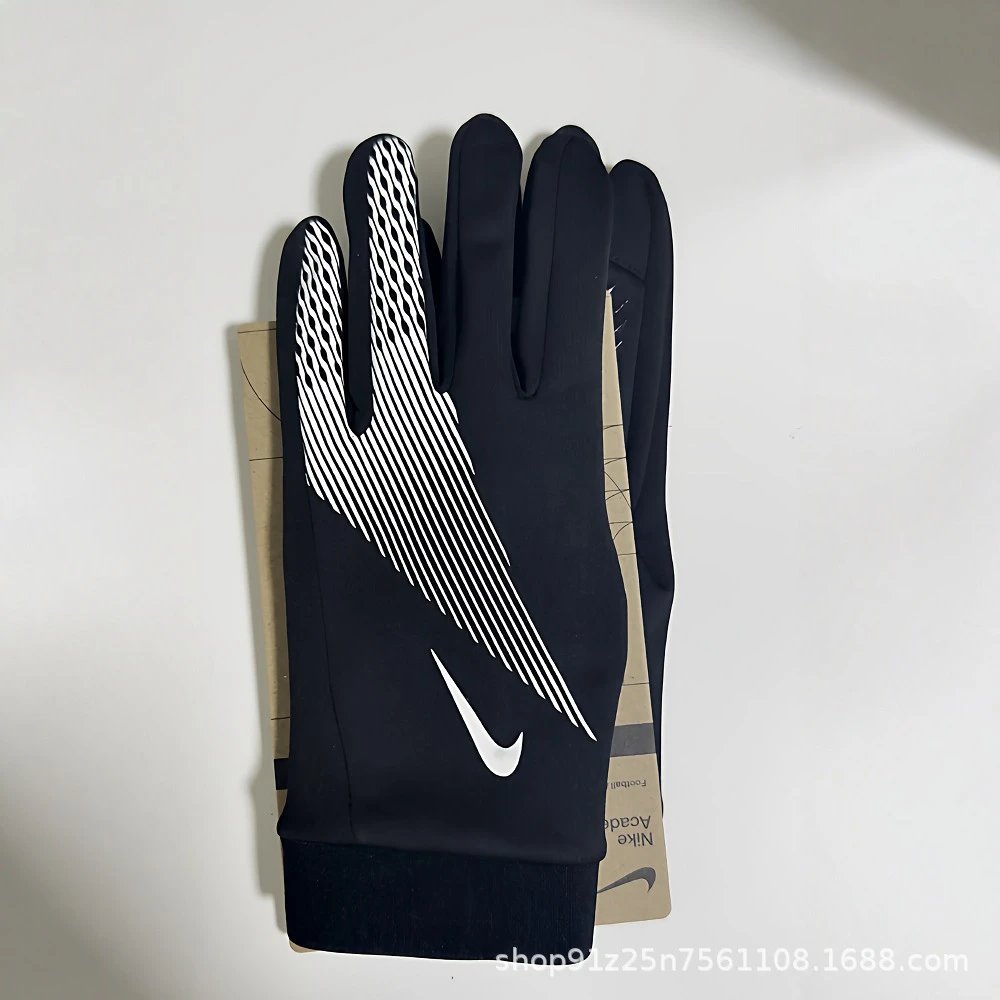


Use a product name, browse a department or upload a photo. A category keeps your search focused; sorting helps compare the returned listings.
Open seller photos and preview the available styles. Compare reference QC separately, including stitching, print placement and finishing.
Continue to iTaoBuy with the original marketplace listing. Choose your size, colour and quantity there and check the current offer before ordering.
Sneakers, boots and other footwear: compare the toe shape, sole and fastening in the full product gallery. Check available QC before opening the iTaoBuy listing.
T-shirts, shirts and hoodies: look at front and back prints, necklines and seams. Style photos help you identify the pictured option before continuing.
Trousers and shorts: inspect the cut, pocket construction and hems. Verify measurements against the actual seller’s listing.
Jackets and coats: compare collars, closures and lining details in the available pictures, then confirm the current options on iTaoBuy.
Matching sets: inspect each pictured piece and check the listing for what is included. Similar photos do not confirm identical pack contents.
Underwear and socks: compare visible fabric, seams and pack contents. Confirm sizes and quantities on the destination listing.
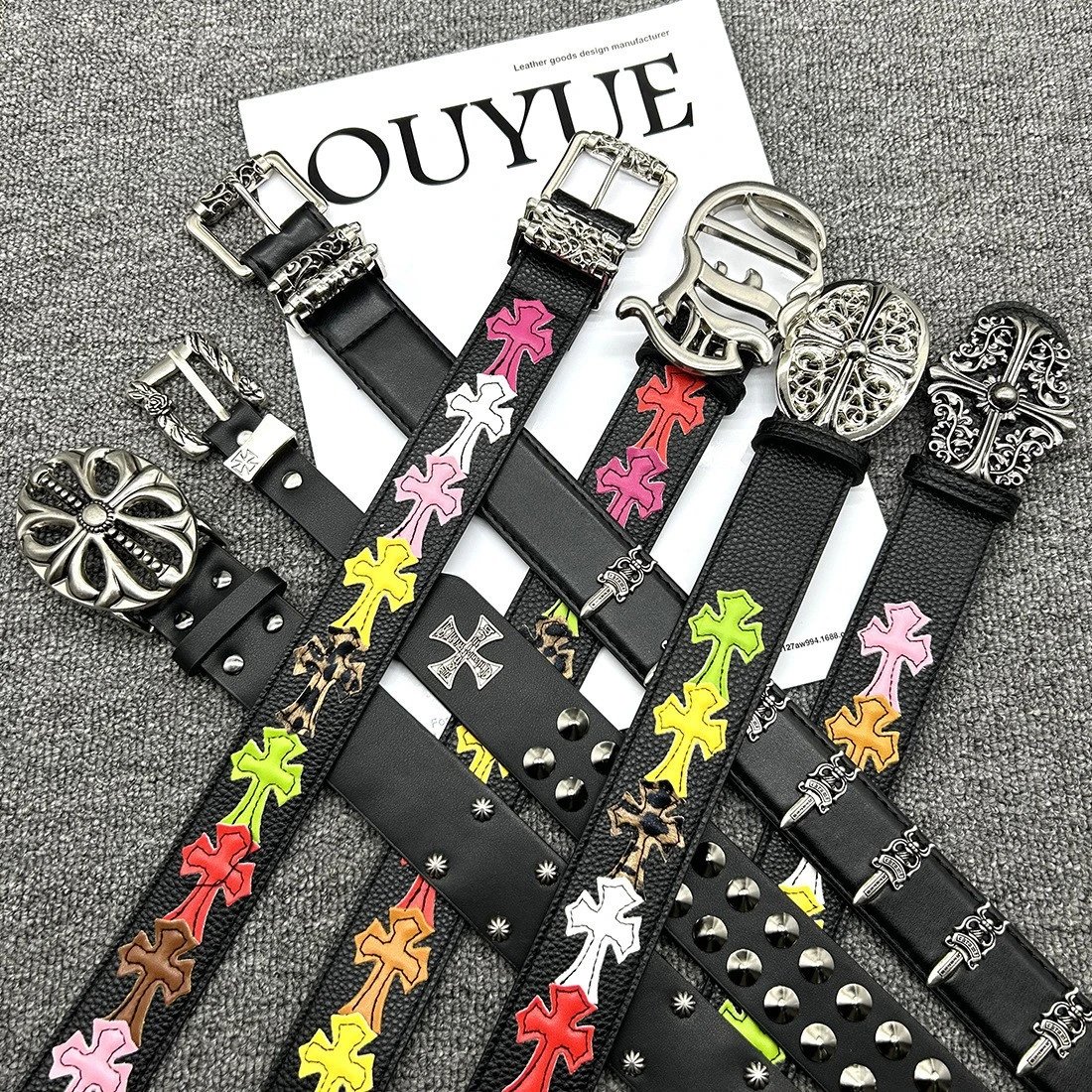
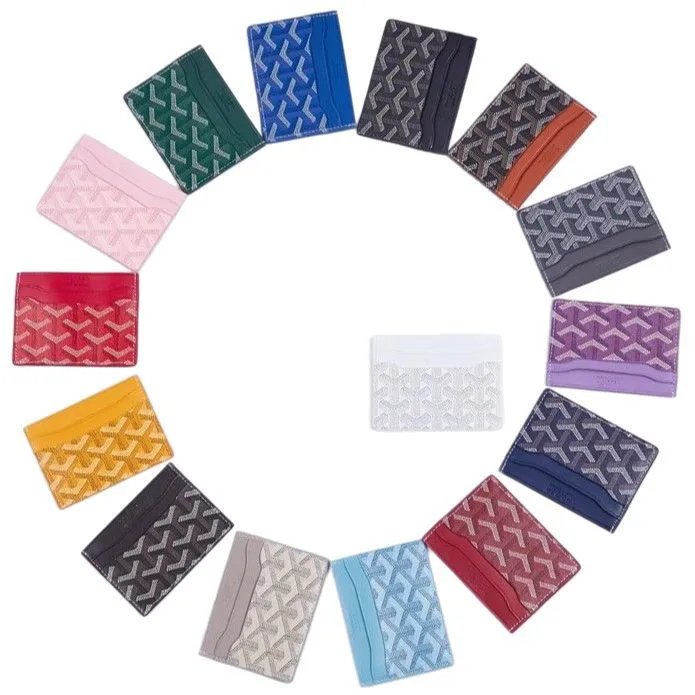
Bags, hats, watches and jewellery: open the detailed pictures for hardware, straps and closures. Follow the specific subcategory to keep the list focused.
Electronics and accessories: identify the pictured model, then confirm specifications and compatibility on the product listing.
Explore the remaining finds through their own listings. Check the exact product identity and available pictures before continuing to iTaoBuy.
It brings product links, photos and reference prices into a searchable catalogue. You can move from a category to a product, inspect the available images and open its corresponding iTaoBuy link.
Choose the category directory for specific product types. Use the spreadsheet search for a name or brand, or image search when you only have a photo.
QC images are existing references attached to a listing. They let you inspect visible details, but are not photos of an order you placed and do not guarantee the next item’s condition.
Here they change the photo preview only. Select and confirm the actual size, colour and quantity on iTaoBuy.
The spreadsheet shows reference prices converted from the listing. The current marketplace offer and available options can change; check the destination page before ordering.
iTaoBuy Lists is an independent discovery site. Account registration, orders, payments and support are handled on iTaoBuy. Registration and purchase links contain our referral code.